In today’s digital environment, sensitive documents move across email, cloud storage, and shared platforms at high speed. That convenience improves workflows but also increases the risk of unintended data exposure. Financial statements, legal agreements, and medical records often contain information that must remain confidential. A single mistake in handling these files can lead to privacy violations or compliance issues.
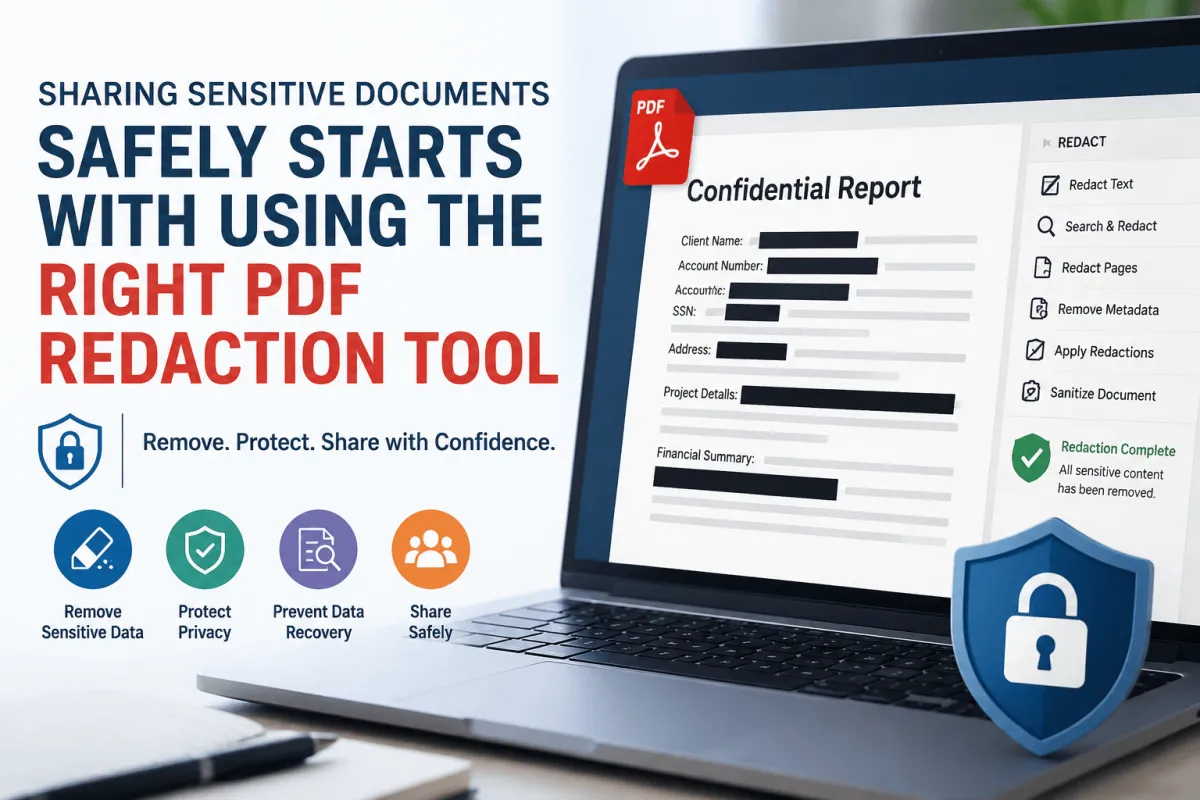
This is why a pdf redaction tool is essential for properly removing sensitive information before sharing documents externally. Many users still rely on simple visual hiding methods, which do not always guarantee full data removal. Proper redaction works at the content level, ensuring information is not recoverable through standard methods. However, correct usage matters as much as the tool itself. This article explains how real redaction works and how to avoid common mistakes.
Understanding the difference between visual masking and true data removal is critical. Many security issues arise not from lack of tools, but from incorrect assumptions. Document redaction should always be treated as a structured security process rather than a simple editing task. At AI Innovative Tools, the focus is on helping users adopt safer document handling practices.
Why Simply Blacking Out Text in a PDF Is Not Real Redaction
Many users assume that placing a black box over text permanently hides information. In reality, this often only affects the visible layer of the document. The underlying text may still exist in the file structure and can sometimes be extracted. This creates a serious misunderstanding of what secure redaction actually means.
A proper pdf redaction tool removes selected content from the document’s data structure rather than covering it visually. This ensures that the text is not accessible through copying, searching, or extraction techniques. However, the security outcome depends on using the tool correctly and completing all required steps. Without proper execution, hidden data may still remain in the file.
It is important to understand that not all “blackout” methods are unsafe by default. Some workflows become secure after proper flattening and final processing. The risk mainly comes from using annotation tools instead of dedicated redaction features. True redaction ensures that no recoverable version of the content remains in the PDF.
You may also like:
Who Actually Needs a PDF Redaction Tool and Why
Legal professionals are among the primary users of redaction tools due to the sensitive nature of court documents. These files often contain personal identifiers, case details, and confidential statements. If exposed, this information can lead to legal and ethical consequences. A pdf redaction tool helps ensure only approved information is shared externally.
Healthcare organizations also depend on secure redaction practices to protect patient data. Medical records contain private information that must be safeguarded under privacy regulations. Even internal sharing requires careful handling to avoid unauthorized exposure. Proper redaction ensures compliance with data protection standards and reduces risk.
Businesses and freelancers also handle sensitive commercial data regularly. Contracts, pricing details, and internal reports often include confidential information. If shared without proper redaction, this can lead to competitive disadvantages or trust issues. As digital communication increases, redaction becomes a universal requirement rather than an optional practice.
You may also like:
What to Look For in a Reliable PDF Redaction Tool
A reliable pdf redaction tool must permanently remove content from both visible and underlying document layers. This includes text, images, and embedded metadata. Metadata can contain author names, editing history, and system-generated details that may reveal sensitive context. Proper tools ensure all of this information is removed during redaction.
Batch processing is another important feature for professional use. Organizations often need to process multiple files efficiently without repeating manual steps. Batch redaction improves consistency and reduces the chance of human error. This is especially important in compliance-heavy environments where accuracy is critical.
Audit logs and verification tools are useful in regulated industries. They help track redaction actions and confirm that sensitive data has been properly removed. Some advanced tools also include automated detection of sensitive terms. However, manual review remains essential to ensure complete accuracy and prevent missed content.
You may also like:
Best PDF Redaction Tools Available Right Now
Adobe Acrobat Pro is widely recognized as a leading solution for professional redaction. It offers reliable content removal, metadata cleaning, and secure document processing features. Many organizations use it due to its strong compliance capabilities. However, correct configuration is still required for safe results.
Foxit PDF Editor is a strong alternative that provides essential redaction features at a lower cost. It is widely used by small and medium businesses due to its balance of functionality and affordability. While effective, users must still ensure proper settings are applied for full data removal.
Free tools such as PDFescape can handle basic editing tasks but are not recommended for highly sensitive documents. They often lack deep metadata removal and advanced security features. For confidential data, relying on free tools increases risk. Choosing the right tool should always depend on the sensitivity of the information being handled.
You may also like:
Common Redaction Mistakes That Still Expose Private Information
One common mistake is redacting scanned PDFs without OCR processing. Without OCR, text inside images may remain unrecognized and partially recoverable. This leads to incomplete redaction even when visual changes appear correct. Proper workflows always include text recognition before redaction.
Another issue is failing to remove metadata from the document. Metadata can include author names, file history, and software information. This data may expose more than the visible content itself. A proper pdf redaction tool should always include metadata sanitization as part of the process.
Users also often miss repeated occurrences of sensitive terms. Redacting only one instance of a word or name leaves other exposures in the document. Consistent review and automated search features help reduce this risk. Careful verification is necessary before finalizing any file for sharing.
You may also like:
How to Properly Redact a PDF Without Leaving Any Data Behind
Proper redaction begins with a complete review of the document content. Users should identify all sensitive terms and variations before applying redaction. This includes names, numbers, identifiers, and contextual references. A structured approach reduces the risk of missing critical information.
After applying redactions, flattening the document helps finalize changes. Flattening merges document layers into a single structure to prevent easy reversal. However, it should not be considered the only security step. The actual removal of content must already be done correctly before flattening.
Final verification is essential before sharing any redacted document. This includes searching for remaining sensitive terms and checking metadata. A reliable pdf redaction tool often includes verification features for this purpose. At AI Innovative Tools, proper validation is emphasized to ensure documents are fully safe before distribution.
You may also like:
Final Thoughts
Secure document handling is a critical requirement in modern digital workflows. Visual masking alone does not provide sufficient protection for sensitive data. Only proper redaction ensures that information cannot be recovered after sharing.
A reliable pdf redaction tool plays a key role in protecting personal, legal, and business data. However, tool selection must be paired with correct usage practices to be effective. When both are applied properly, the risk of data exposure is significantly reduced.
At AI Innovative Tools, the focus is on promoting safer digital document practices. Security is not just about software, but about understanding how to use it correctly.