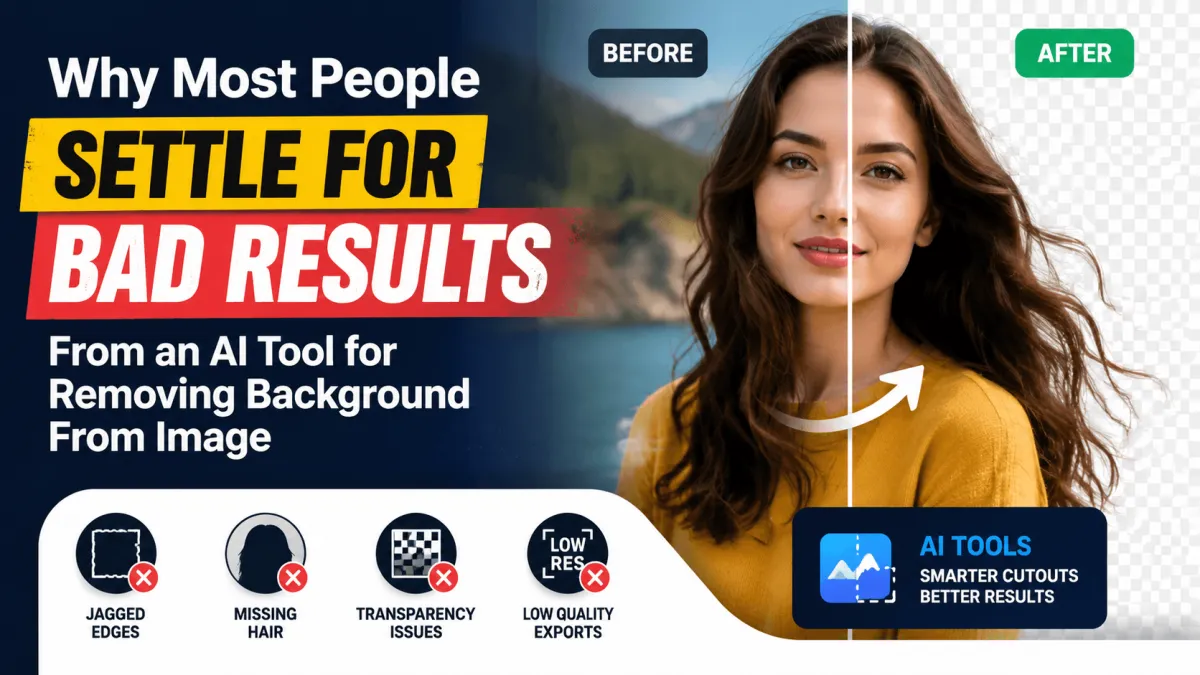
Background removal from images was once a task reserved for experts skilled in Photoshop, spending hours painstakingly tracing edges and separating subjects from their environments. Today, artificial intelligence has dramatically simplified this process, offering instant cutouts with minimal effort. Despite these advancements, many people still encounter disappointing results that cannot be used professionally, often featuring jagged edges, missing strands of hair, or misaligned cutouts. The allure of AI is strong, but understanding its mechanics and limitations is essential to achieving usable outputs consistently. At Ai Innovative Tools, we emphasize the importance of knowing why even the best AI background removal tools can fail and how to optimize your workflow for high-quality results.
How AI Background Removal Actually Works Under the Hood
Most users approach AI background removal blindly, relying on default settings without understanding what the model is detecting. AI algorithms generally detect edges, contrast, and color differences to separate a subject from its background. When the background contains colors similar to the subject, the AI often struggles to differentiate between the two, resulting in parts of the subject being incorrectly erased or background remnants remaining. Recognizing these limitations upfront prevents frustration and reduces time wasted on repeated edits. Additionally, the performance of an AI tool is heavily influenced by the quality of the original image, lighting conditions, and how clearly the subject is defined against the background.
Why Your Results Look Clean in Preview but Broken on Export
Preview modes offered by AI tools often mask imperfections, giving the illusion of a flawless cutout. While a preview might look clean, exporting the image can reveal jagged edges, transparency issues, or unwanted artifacts, especially when placing the subject over colored backgrounds. Transparency handling varies by file format, with PNG typically preserving alpha channels better than JPG, which cannot store transparency at all. Selecting the wrong file format or ignoring export settings is a common mistake that leads to poor results, despite the AI having performed well in its internal preview. Users must be aware of these differences to ensure that their final outputs remain usable for professional purposes.
Hair, Fur, and Fine Details: Where Every AI Tool Struggles
Hair, fur, and fine details are universally challenging for AI background removal models. Thin strands, flyaways, and intricate textures are difficult for algorithms to preserve accurately, leading to unnatural gaps or fringing around the subject. Dark hair against a dark background is particularly problematic, often resulting in partial erasure of the subject. Moreover, lighting and contrast significantly influence edge detection. Images with low contrast between subject and background or uneven lighting create conditions in which even advanced AI tools fail to separate elements cleanly. Understanding these pitfalls allows users to anticipate necessary touch-ups and manage expectations realistically.
Free vs Paid AI Tools for Removing Background From Images
Free AI tools are attractive for casual users but come with limitations that can compromise results. Many add watermarks, restrict resolution, or limit monthly usage without clear notification, which is frustrating for users working on multiple projects. Paid tools typically offer higher resolution outputs, batch processing, and better preservation of fine details, but they are not automatically perfect for every image type. Even premium AI software struggles with complex backgrounds, fine hair, and edge artifacts. Users must evaluate each tool based on their specific needs rather than assuming that paid software guarantees flawless results for every scenario.
Best Use Cases and Which Tool Fits Each One
Selecting the right AI tool depends heavily on the intended use of the image. Product photography requires extremely clean edges and often involves manual touch-ups to ensure the subject integrates seamlessly with the desired background. Profile photos and headshots benefit from natural edge blending, where soft transitions around hairlines maintain a realistic appearance. Social media creatives may tolerate minor imperfections, as online platforms reduce image resolution, but print or e-commerce images demand precise cutouts and consistent quality. Recognizing these use-case differences helps users choose the appropriate AI tool and manage post-processing effort efficiently.
Common Mistakes That Ruin Background Removal Results
Certain mistakes repeatedly undermine background removal efforts. Uploading low-resolution or heavily compressed images, such as screenshots, reduces the AI's ability to detect edges accurately. Skipping the manual refinement step offered by most professional tools can leave rough edges or small remnants of background material. Additionally, checking cutouts against a mismatched background color can obscure flaws that become obvious when exported onto the intended background. These errors are avoidable by adhering to best practices, including starting with high-quality images, performing refinement, and previewing results on the final background color.
The Importance of Batch Processing and Workflow Optimization
Another important consideration is batch processing, which is vital for users handling multiple images simultaneously. Free tools often limit batch capabilities, forcing manual processing one image at a time, which is inefficient and time-consuming. Paid tools allow batch operations, applying consistent settings across numerous files, saving significant effort for e-commerce product catalogs or social media campaigns. Even when using paid software, attention must be given to individual image characteristics, as AI performance may vary slightly depending on lighting, background complexity, and subject details.
Achieving Professional Results With AI Background Removal
Ultimately, understanding the strengths and limitations of AI background removal tools empowers users to achieve professional-grade outputs. Users must be proactive, inspecting cutouts, refining edges, and selecting appropriate file formats for export. High-quality source images, controlled lighting, and clearly defined subjects enhance the AI's accuracy. By integrating these practices, users can avoid the frustration of jagged edges, missing details, and unusable results, transforming AI background removal from a hit-or-miss process into a reliable component of their workflow.
Conclusion
AI background removal has revolutionized image editing, but blind reliance on these tools often leads to subpar results. Learning the underlying mechanics, understanding common pitfalls, and choosing the right tool for each application are critical steps toward success. Whether you are editing product photography, profile images, or creative content for social media, maintaining attention to detail ensures outputs are polished and professional. For readers seeking practical guidance on AI-driven image editing, Ai Innovative Tools provides comprehensive reviews and tips on the best software to achieve accurate, efficient, and visually appealing background removals for every project. By following these strategies, users can fully leverage AI technology while minimizing errors and maximizing workflow efficiency.