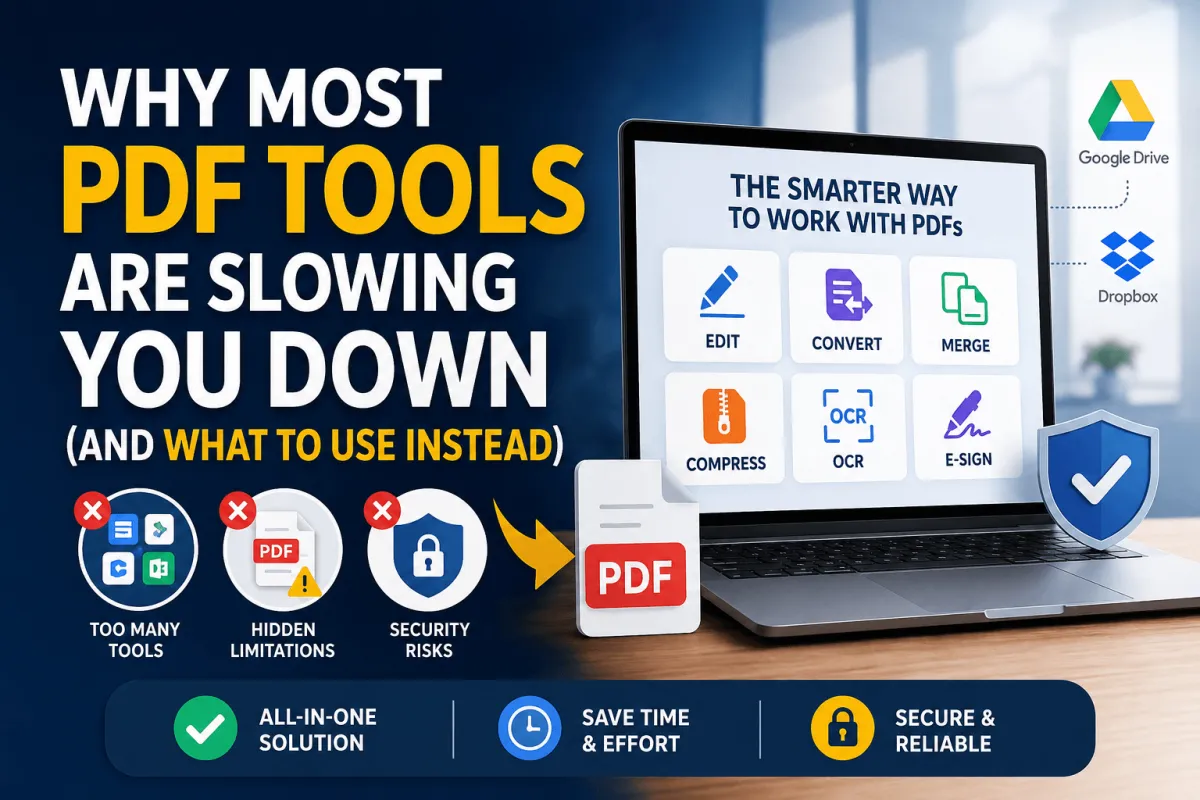
Digital documents have become a daily part of modern work. Whether you are a student, freelancer, business owner, or office employee, chances are you deal with PDF files every week. Many people rely on various online PDF tools to edit, convert, merge, compress, or sign documents. However, using the wrong tools can create more problems than solutions.
What should be a simple task often turns into a frustrating process. Users waste valuable time switching between platforms, dealing with file limitations, and fixing formatting issues. In many cases, productivity suffers because the tool meant to help becomes another obstacle.
This guide explores why many PDF tools slow users down and what features you should look for instead. If you regularly work with PDF files, these insights can help you choose a smarter and more efficient solution.
The Problem With Using Too Many PDF Tools at Once
Many users rely on several different applications to complete a single PDF-related task. One tool may compress files, another converts formats, while a third handles editing. Although this approach appears convenient initially, it often creates unnecessary complexity.
Switching between multiple platforms increases the chances of errors. Every time a file is uploaded and downloaded, there is a risk of compatibility issues. Documents can lose formatting, images may become distorted, and embedded elements might stop working correctly.
The situation becomes even more frustrating when you must repeat uploads across different websites. Large documents take time to process, especially when internet speeds are inconsistent. This repeated workflow creates delays that quickly add up throughout the day.
Many professionals underestimate how much time they lose through constant platform switching. A task that should take five minutes can easily consume thirty minutes when multiple tools are involved. Productivity decreases while frustration increases.
The best online PDF tools reduce these unnecessary steps by offering multiple features within one platform. Users can edit, convert, merge, and organise files without leaving the same workspace.
Free PDF Tools: What They Promise vs What You Actually Get
Free tools attract users because they promise quick results without financial commitment. While some free services provide genuine value, many come with limitations that only appear after you invest time into the process.
One common issue involves hidden watermarks. Users complete their edits successfully, only to discover branding added to the final document. Removing these watermarks often requires upgrading to a paid subscription.
File size restrictions create another significant problem. Many free services allow only small uploads, making them unsuitable for business reports, presentations, contracts, or image-heavy documents. Users often discover these limits after uploading their files.
Feature restrictions can also create frustration. A tool may advertise PDF editing capabilities but lock essential functions behind a premium plan. Users can view available features yet remain unable to use them without paying.
Some free platforms limit daily usage or require account registration after several uploads. These restrictions interrupt workflows and force users to search for alternatives repeatedly.
Free services are not always bad choices. However, understanding their limitations helps prevent surprises and allows users to make informed decisions before investing time in a platform.
Online PDF Tools and the Security Risk Nobody Talks About
Convenience often comes at a hidden cost. Every time you upload a document to an online platform, you are trusting that service with your information. Many users never consider where their files go after processing.
This concern becomes particularly important when dealing with contracts, financial records, medical information, legal documents, or confidential business data. Sensitive files may contain information that should never be exposed to unauthorised parties.
Unfortunately, not all online PDF tools provide clear information about data storage practices. Some websites offer little transparency regarding how long uploaded files remain on their servers. Others provide vague privacy policies that leave important questions unanswered.
Data protection regulations continue evolving across many countries. Businesses handling customer information must often comply with privacy standards and legal requirements. Uploading sensitive documents to unknown servers may create compliance risks that organisations cannot afford to ignore.
Before selecting a PDF platform, users should evaluate security measures carefully. Encryption, automatic file deletion, transparent privacy policies, and compliance certifications are all important factors worth considering.
The safest tools combine convenience with strong security practices. Protecting sensitive information should always remain a priority when choosing document management solutions.
Why PDF Editing Still Feels Harder Than It Should
PDF files were originally designed for consistent document presentation rather than easy editing. This design choice explains why editing PDFs often feels more complicated than editing standard text documents.
Formatting issues remain one of the biggest frustrations users encounter. A simple text update can unexpectedly affect page layouts, spacing, or image positioning. Small changes sometimes create larger formatting problems elsewhere in the document.
Font compatibility presents another challenge. Many PDF editors cannot access the original fonts used during document creation. As a result, replacement fonts appear automatically, creating visual inconsistencies throughout the file.
Even basic tasks can become unnecessarily complicated. Merging several PDFs often requires navigating multiple menus and settings. Rearranging pages may involve additional steps that feel inefficient and outdated.
These problems become more noticeable when users manage large document volumes. What should be a straightforward workflow turns into a repetitive series of corrections and adjustments.
Modern online PDF tools are improving this experience by simplifying interfaces and automating common tasks. The most effective solutions focus on reducing manual effort while maintaining document accuracy.
Choosing the Right PDF Tool for Your Workflow
Not every PDF tool is suitable for every user. Different workflows require different features, and selecting the wrong platform often results in unnecessary expenses or missing functionality.
Individual users typically prioritise affordability, simplicity, and essential editing capabilities. They may need occasional document conversion, basic annotation features, or simple file management tools.
Businesses and teams usually require more advanced functionality. Collaboration features, user permissions, cloud storage integration, and workflow automation become increasingly important as document volume grows.
The choice between cloud-based and desktop solutions also deserves careful consideration. Cloud platforms provide accessibility from virtually any device with internet access. They support remote work environments and simplify file sharing among team members.
Desktop software offers greater control and often provides stronger security for sensitive documents. These solutions continue working without internet connectivity and may process large files more efficiently.
Pricing structures vary significantly between providers. Some platforms charge monthly subscriptions regardless of usage. Others offer pay-as-you-go models that better align with occasional needs. Understanding your actual workflow helps prevent overspending on features that remain unused.
Readers of AI Innovative Tools frequently seek productivity-focused solutions. Choosing the right PDF platform can significantly improve efficiency while reducing unnecessary complexity.
Features Your PDF Tool Must Have in 2025
The PDF software market continues evolving rapidly. Modern users expect more than simple editing and conversion capabilities. The best platforms now deliver comprehensive document management experiences.
Batch processing has become an essential feature. Instead of handling files individually, users can process multiple documents simultaneously. This capability saves substantial time when managing large workloads.
Optical Character Recognition, commonly known as OCR, is equally important. OCR technology converts scanned documents and image-based PDFs into searchable and editable text. Without OCR, valuable information remains trapped within static images.
Cloud integration has also become a standard expectation. Direct connections with services like Google Drive and Dropbox simplify document storage, sharing, and collaboration. Users no longer need to download and re-upload files repeatedly.
Electronic signature functionality continues gaining importance as remote work expands globally. Integrated signing features eliminate the need for separate applications and streamline approval processes.
Advanced search capabilities help users locate information quickly within large document collections. This feature becomes increasingly valuable as digital archives continue growing.
Automation tools are another major advantage. Routine tasks such as file conversion, compression, naming conventions, and document routing can often be automated, reducing manual effort and improving consistency.
As technology advances, users should prioritise platforms that combine efficiency, security, and scalability. Investing in the right solution today can save countless hours in the future.
Final Thoughts
PDF documents remain one of the most widely used file formats across industries. Despite their popularity, many users continue struggling with inefficient workflows caused by outdated or poorly designed tools.
The best online PDF tools simplify document management rather than complicate it. They eliminate unnecessary steps, protect sensitive information, and provide the functionality users actually need. Choosing a platform based solely on price often leads to frustration, wasted time, and hidden limitations.
Instead, focus on solutions that match your workflow requirements. Consider security, usability, integration capabilities, and long-term value before making a decision. The right PDF tool should feel invisible, allowing you to focus on your work rather than the software itself.
As AI Innovative Tools continues exploring productivity technologies, one thing remains clear. Smart software choices can dramatically improve efficiency, reduce frustration, and help users achieve better results with less effort.