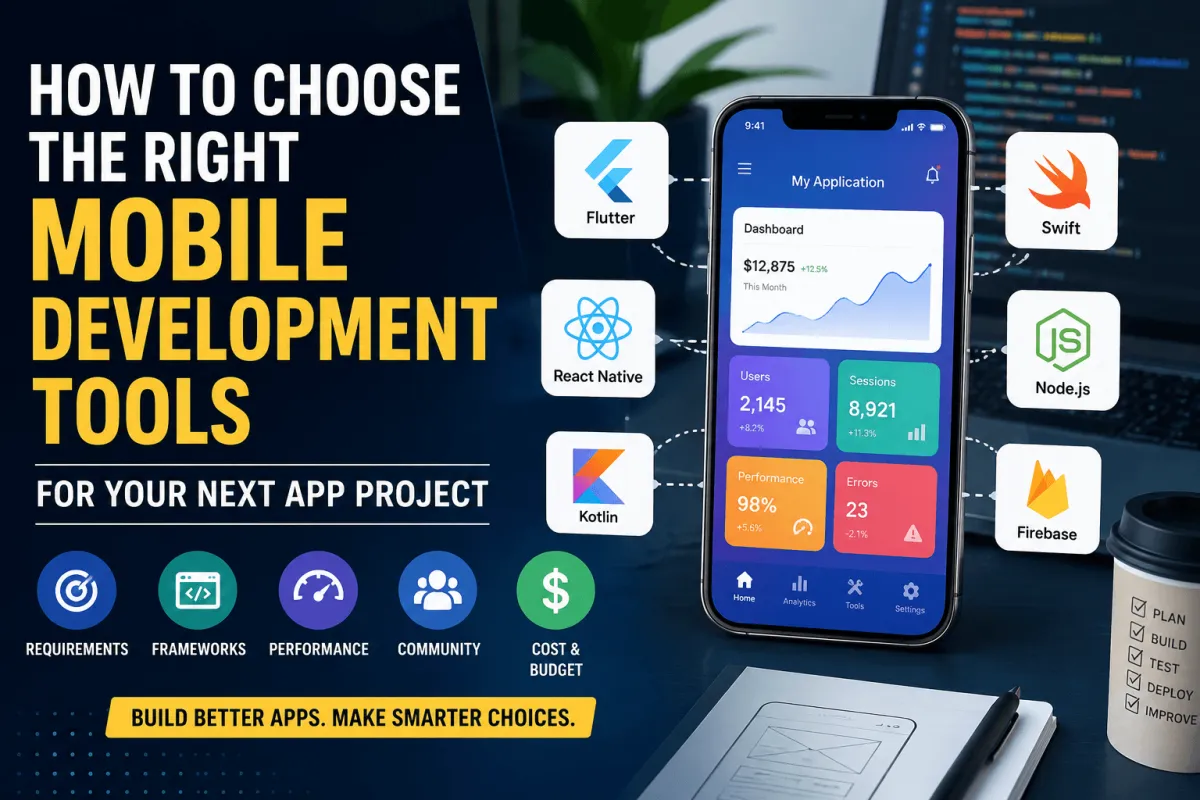
Mobile applications have become essential for businesses that want to engage customers, streamline operations, and create new revenue streams. However, selecting the right mobile development tools can determine whether an application succeeds or becomes expensive to maintain. Many development teams struggle to balance performance, scalability, and budget constraints during the planning stage.
The market now offers countless frameworks, software development kits, testing platforms, and deployment solutions. Choosing without a proper strategy often leads to technical debt and rising maintenance costs. Teams that carefully evaluate their requirements can avoid expensive mistakes and build applications that remain sustainable for years.
At AI Innovate Tools, we regularly explore emerging technologies, software ecosystems, and practical development strategies that help businesses and developers make informed decisions. This guide explains how to choose the right mobile development tools for your next app project while considering performance, documentation, integration capabilities, and long term financial planning.
Understanding Your Core App Requirements
Before selecting any tools, teams must define what the application needs to accomplish. A clear understanding of business goals helps developers narrow down suitable technologies.
Many organizations struggle to balance cross platform accessibility with native performance expectations. Some applications only require basic interfaces, while others need advanced graphics, real time processing, or offline functionality.
Start by answering several important questions.
- Who will use the application?
- Which devices should the application support?
- What core features are required?
- How much traffic is expected initially?
- What future expansion plans exist?
Predicting feature scaling requirements during early planning stages is challenging. However, developers should estimate future needs to avoid rebuilding the application later.
For example, a simple booking application may eventually need payment gateways, AI powered recommendations, and customer analytics. Selecting flexible mobile development tools early prevents costly migrations.
Teams should also identify whether security and compliance requirements exist. Healthcare, finance, and enterprise applications often require additional security measures.
Documenting these requirements creates a foundation for making informed decisions throughout development.
You may also like:
Comparing Cross Platform Versus Native Ecosystems
One of the biggest decisions involves choosing between native and cross platform development ecosystems.
Native development uses platform specific languages and tools.
Native Development Technologies
For iOS applications:
For Android applications:
Native development delivers excellent performance and deep hardware integration. It also provides smoother animations and better user experiences.
However, maintaining separate codebases increases development costs significantly. Engineering teams must duplicate efforts across both operating systems.
Cross platform frameworks solve this issue by allowing developers to write code once and deploy it across multiple platforms.
Popular options include:
- Flutter
- React Native
- .NET MAUI
- Ionic
Cross platform solutions reduce costs and accelerate deployment timelines. However, developers often become locked into frameworks that may limit advanced interface customization.
Flutter offers excellent performance because it uses its own rendering engine. React Native provides flexibility due to its massive ecosystem and JavaScript compatibility.
Teams should evaluate application complexity before deciding.
Choose native development if:
- Maximum performance is essential.
- Heavy device integration is required.
- Advanced animations are necessary.
- Security requirements are extremely high.
Choose cross platform development if:
- Faster deployment matters.
- Budget constraints exist.
- Shared codebases are preferred.
- Applications have moderate complexity.
Selecting the proper ecosystem early helps avoid expensive reengineering later.
You may also like:
Evaluating Performance Tracking and Debugging Features
Performance optimization should never become an afterthought during development.
Modern applications must run smoothly across hundreds of devices with varying hardware capabilities. Without proper debugging systems, developers waste valuable time identifying issues.
Finding tools that pinpoint memory leaks across multiple devices remains frustrating for many engineering teams. Poorly optimized applications can quickly lose users due to slow loading speeds.
Effective mobile development tools should provide these debugging features:
- Real time performance monitoring
- Memory leak detection
- CPU usage analysis
- Battery consumption tracking
- Crash reporting systems
Several tools excel in this area.
You may also like:
Popular Performance Monitoring Tools
Firebase Performance Monitoring
Firebase helps developers identify performance bottlenecks and improve user experiences.
Android Profiler
Android Studio includes built in performance analysis capabilities.
Xcode Instruments
Apple provides advanced profiling tools for diagnosing application behavior.
Sentry
Sentry helps developers monitor errors and troubleshoot crashes efficiently.
Slow build and compile times also reduce engineering productivity during daily testing. Developers should benchmark build performance before committing to specific technologies.
Automation tools can significantly improve testing workflows.
Useful testing frameworks include:
- Appium
- Detox
- Espresso
- XCTest
Automated testing ensures consistency and reduces human errors during deployment cycles.
You may also like:
Assessing Community Support and Documentation Quality
Strong community support often determines a tool's long term viability.
Technology ecosystems evolve rapidly, and abandoned projects create major risks for organizations. Developers frequently encounter disappearing libraries that no longer receive security updates.
Selecting tools with active communities reduces this risk considerably.
When evaluating documentation quality, consider these factors:
- Official documentation accuracy
- Update frequency
- Active developer forums
- GitHub activity levels
- Educational resources availability
Outdated setup guides often force developers to spend hours troubleshooting basic configurations. Comprehensive documentation reduces onboarding time for new team members.
Large communities also accelerate problem solving because developers can easily find solutions online.
Some ecosystems consistently maintain excellent support networks.
Tools With Strong Communities
Flutter
Google actively maintains Flutter and supports extensive documentation.
React Native
Meta supports React Native, and millions of developers contribute globally.
Firebase
Firebase offers detailed guides and a large support ecosystem.
Kotlin
Google strongly endorses Kotlin for Android development.
Before choosing any technology, research its release history and roadmap. Consistent updates indicate long term reliability.
At AI Innovate Tools, developers can also stay informed about emerging technologies and evolving software ecosystems that influence future development decisions.
You may also like:
Analyzing License Costs and Long Term Budget Fits
Budget planning extends far beyond initial development expenses.
Many teams underestimate how licensing costs grow as projects expand. Some tools appear affordable initially but become expensive when engineering teams increase.
Organizations should evaluate total ownership costs before making commitments.
Consider these expenses:
- Development licenses
- Cloud hosting costs
- Testing platform subscriptions
- Analytics services
- Security add ons
- Enterprise support plans
Hidden subscription fees often scale aggressively with growing user bases. Teams must understand pricing models before implementation begins.
Enterprise security features frequently require expensive upgrades that exceed original budgets.
Open source technologies often provide cost effective alternatives.
Examples include:
- Flutter
- React Native
- Kotlin
- PostgreSQL
However, open source does not always mean free. Organizations may still need paid support services.
Create a five year cost projection before finalizing tool selections.
Estimate expenses for:
- Yearly maintenance
- Infrastructure scaling
- Security compliance
- Additional developers
- Third party services
Long term financial planning helps organizations avoid unexpected expenses.
You may also like:
Ensuring Smooth Third Party Integration Capabilities
Modern applications rarely operate independently.
Most apps connect with multiple external systems, including payment processors, customer databases, analytics tools, and cloud services.
Integration flexibility should become a major evaluation criterion.
SDK conflicts frequently cause unexpected crashes when developers introduce new services. Poor compatibility can significantly delay project timelines.
Essential integrations often include:
- Payment gateways
- Authentication systems
- Push notifications
- Analytics platforms
- Cloud storage
- Customer relationship management software
Developers should prioritize ecosystems that offer pre built connectors.
Popular integration services include:
- Firebase
- Stripe
- PayPal
- Twilio
- AWS Amplify
- Google Analytics
Lack of built in connectors forces teams to build manual integrations. Custom solutions increase development risks and introduce additional maintenance burdens.
Before selecting any tools, create a list of required integrations.
Verify these factors:
- Official SDK availability
- Documentation quality
- Update frequency
- Security certifications
- Developer support
Compatibility testing during early stages prevents expensive surprises later.
At AI Innovate Tools, businesses can also explore emerging technologies that simplify integrations and improve application scalability.
You may also like:
Best Practices for Choosing Mobile Development Tools
Successful development teams follow a structured evaluation process rather than selecting technologies based on popularity.
Here are several best practices.
Prioritize Business Objectives
Technology should support business goals instead of dictating them.
Build Small Proof of Concepts
Testing tools on smaller projects reveals hidden limitations.
Involve Multiple Stakeholders
Developers, designers, managers, and security teams should participate in decision making.
Evaluate Long Term Sustainability
Choose ecosystems that demonstrate active development and strong roadmaps.
Focus on Developer Productivity
Tools should simplify workflows instead of creating unnecessary complexity.
Measure Before Committing
Benchmark performance before making final decisions.
Following these principles reduces risks and improves project outcomes.
You may also like:
Conclusion
Choosing the right mobile development tools requires careful planning and long term thinking. Teams that rush decisions often encounter performance bottlenecks, rising costs, and difficult maintenance challenges.
Start by understanding your application requirements and future scalability needs. Then compare native and cross platform ecosystems based on your business priorities. Evaluate performance monitoring features, community support, documentation quality, and integration capabilities before committing to any technology stack.
Budget forecasting also plays a crucial role because hidden costs can quickly derail projects. Organizations that carefully analyze their options create more sustainable applications with fewer technical limitations.
At AI Innovate Tools, our goal is to help developers, entrepreneurs, and businesses stay ahead of technological changes by providing practical insights into software development and innovation. By choosing the right tools today, you can build scalable, efficient, and future ready mobile applications that continue delivering value for years to come.