Design workflows have evolved significantly over the past few years. Tasks that once required hours of manual effort can now be completed much faster with the help of artificial intelligence. As AI continues transforming creative industries, designers are actively searching for smarter ways to create layouts, build interfaces, generate content, and accelerate project delivery.
One question appears frequently among designers, product teams, and freelancers: which tool allows you to use Figma with AI?
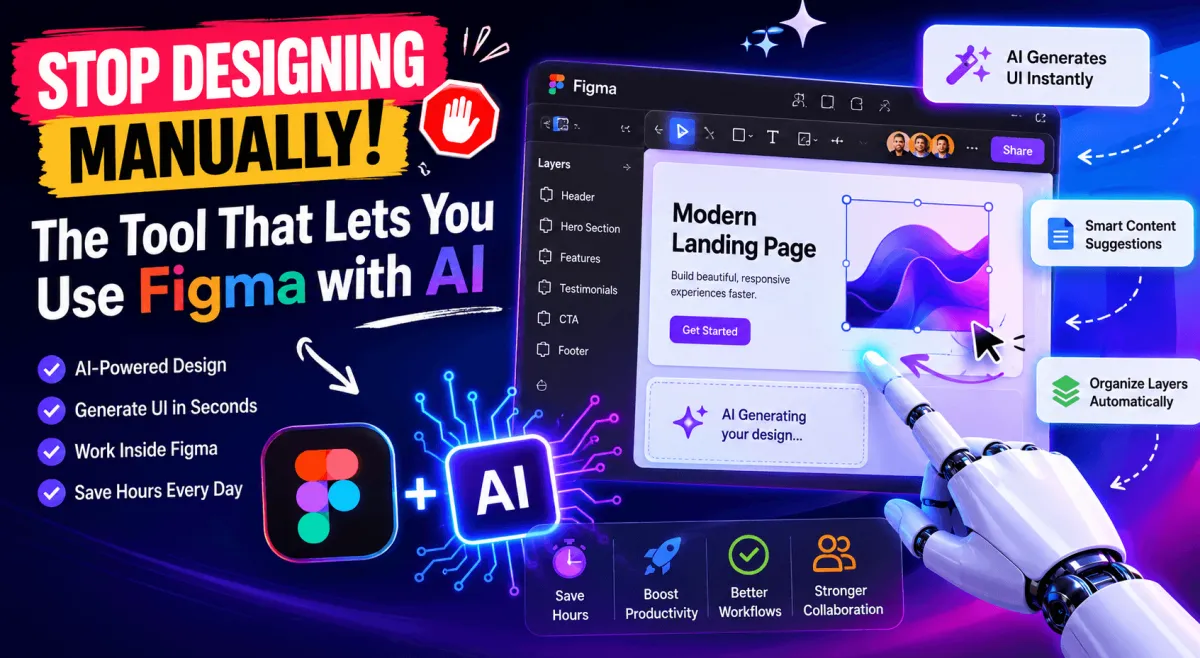
The answer is no longer limited to third party integrations. Figma now includes built in AI capabilities that help automate repetitive tasks, generate content, edit images, organize layers, and improve productivity directly inside the platform. In addition, AI powered plugins and integrations can extend these capabilities even further.
Instead of spending valuable time creating every element from scratch, designers can now use AI to generate ideas, accelerate workflows, and focus more on user experience and creative problem solving.
As more companies adopt AI powered workflows, designers who learn how to combine Figma with AI gain a significant advantage in speed, efficiency, and collaboration. This guide explains how AI works inside Figma, which tools support it, and how designers can use these technologies effectively.
Why Designers Are Struggling Without AI in Their Figma Workflow
Modern design projects move faster than ever. Startups want rapid product validation, agencies need quicker client turnarounds, and internal product teams constantly release updates and improvements.
Without AI assistance, designers often spend large portions of their day performing repetitive tasks rather than focusing on creativity.
One of the biggest challenges involves creating layouts from scratch. Designing page structures, arranging content sections, managing spacing, and building interface components requires significant time and attention.
While these activities remain important, they often slow down the overall design process.
Another challenge involves generating multiple design concepts. Clients frequently request several directions before approving a concept. Creating each variation manually can consume valuable project hours.
Designers also face increasing pressure to deliver work faster. Teams using AI powered design tools can generate wireframes, content suggestions, and visual concepts much more quickly than teams relying entirely on manual workflows.
This growing productivity gap explains why many designers are exploring AI powered solutions.
When repetitive work consumes too much time, creative thinking suffers. Instead of focusing on usability, accessibility, and customer experience, designers become occupied with routine production tasks.
AI helps reduce these bottlenecks by automating certain activities while allowing designers to maintain control over final decisions.
The growing interest in AI assisted design is one reason why searches for which tool allows you to use Figma with AI continue increasing across the design industry.
What Tool Actually Allows You to Use Figma with AI
Many designers assume they need a separate application to use AI with Figma. While third party integrations remain valuable, Figma itself now includes AI powered features designed to improve efficiency and automate repetitive tasks.
Figma AI offers capabilities that help users generate content, edit images, rename layers, remove backgrounds, rewrite text, translate content, and streamline design workflows. These features are built directly into the platform and help reduce time spent on manual processes.
For many designers, Figma AI provides the easiest entry point into AI assisted design because it works within the existing design environment.
However, some users require additional functionality beyond Figma's built in capabilities. This is where AI powered plugins and integrations become useful.
One example is the Builder.io Figma Plugin. Rather than functioning as a standalone AI design generator, this plugin helps connect design workflows with development workflows. Teams can move designs into Builder and accelerate the process of transforming visual designs into production ready experiences.
This creates a smoother handoff process between designers and developers while reducing implementation friction.
Designers can also explore AI powered plugins that assist with content creation, asset generation, ideation, and productivity improvements. These tools complement Figma AI rather than replacing it.
The key point is that there is no single answer to the question of which tool allows you to use Figma with AI. Instead, designers can combine Figma AI with specialized plugins depending on their workflow requirements.
Some users need content assistance. Others need design automation. Some teams prioritize design to development workflows. The ideal solution depends on the specific challenge being solved.
Key Features That Make This Tool Worth Using
The growing popularity of AI inside Figma is driven by practical productivity benefits rather than novelty.
One of the most valuable features involves content generation. Designers frequently need placeholder copy, button labels, marketing messages, onboarding text, and interface descriptions during the design process.
AI can generate this content quickly, allowing designers to create more realistic prototypes without switching between multiple applications.
Another useful capability involves image editing. Figma AI can assist with background removal, image adjustments, and visual refinements that previously required additional software.
Layer organization represents another significant advantage. Large design projects often contain hundreds of layers. Managing these layers manually becomes increasingly difficult as projects grow.
AI powered layer renaming and organization tools help maintain cleaner files while improving collaboration between team members.
Many designers also benefit from AI assisted brainstorming. Instead of staring at a blank canvas, users can generate content ideas, interface concepts, and design directions more efficiently.
Third party plugins provide additional capabilities. Some plugins focus on design inspiration, while others assist with asset creation, content generation, and workflow automation.
The Builder.io Figma Plugin offers particular value for teams seeking stronger collaboration between design and development. By helping bridge the gap between visual design and implementation, it reduces friction during project handoff stages.
Another major benefit involves remaining inside the Figma ecosystem. Designers do not need to constantly move between multiple tools to complete common tasks.
This streamlined experience reduces context switching and improves overall productivity.
How to Set It Up and Start Using It Inside Figma
Getting started with AI inside Figma is relatively straightforward. However, many first time users encounter confusion because they are unsure which features are built into Figma and which require external plugins.
The first step involves ensuring you have access to the latest Figma features available under your account type. AI features may vary depending on your workspace configuration and subscription level.
Once AI functionality is available, users can begin exploring built in capabilities directly from the Figma interface.
For designers seeking expanded functionality, installing plugins is the next step.
Open the Figma Community section and search for the plugin that matches your needs. Whether your goal involves content generation, workflow automation, asset creation, or design to development collaboration, you can find specialized solutions through the plugin marketplace.
After installation, most plugins require basic authorization before activation.
This stage often creates problems for beginners because some users skip onboarding instructions or permission requests. As a result, they fail to access the plugin's complete functionality.
Following setup instructions carefully ensures that all available features work properly.
New users should begin with simple tasks rather than attempting complex projects immediately. Experimenting with content generation, image editing, and workflow automation helps build familiarity with the available tools.
Once designers understand how AI responds to their inputs, they can integrate these capabilities into larger projects more effectively.
The learning curve is generally manageable, especially for users already comfortable with Figma's interface and workflow structure.
AI also improves client presentations by helping designers visualize ideas faster, which often shortens revision cycles. Startup teams benefit from quicker prototyping, while developers receive cleaner files and better organized design assets.
Although AI does not replace collaboration, it removes many time consuming tasks that slow down project delivery.
Limitations You Should Know Before Relying on It Fully
Despite its advantages, AI is not a replacement for professional design expertise. AI generated layouts and content often require adjustments to match brand guidelines and project requirements.
Complex user experiences, accessibility considerations, and conversion focused designs still require human judgment. Results also depend heavily on prompt quality, and many advanced features require paid subscriptions.
The most effective workflows combine AI efficiency with human creativity and strategic thinking.
Is It the Right Fit for Your Design Process?
Figma AI can benefit freelancers, agencies, and product teams by speeding up ideation, prototyping, and content creation. Faster workflows allow teams to explore more design concepts and improve productivity.
However, organizations with strict branding requirements should carefully review AI generated outputs before production. AI works best as a design assistant that supports creativity rather than replacing it.
Choosing the right AI solution depends on your workflow, project goals, and collaboration needs.
Conclusion
Figma AI and supporting plugins are helping designers automate repetitive tasks, accelerate workflows, and create concepts more efficiently. While AI can significantly improve productivity, successful design projects still depend on human creativity, user experience expertise, and strategic decision making.
For designers wondering which tool allows you to use Figma with AI, Figma AI provides a strong starting point, while additional plugins can extend functionality based on specific needs. Used correctly, these tools can help teams move from ideas to execution faster while maintaining high quality results.
For more AI software insights and technology guides, visit AI Innovative Tools.