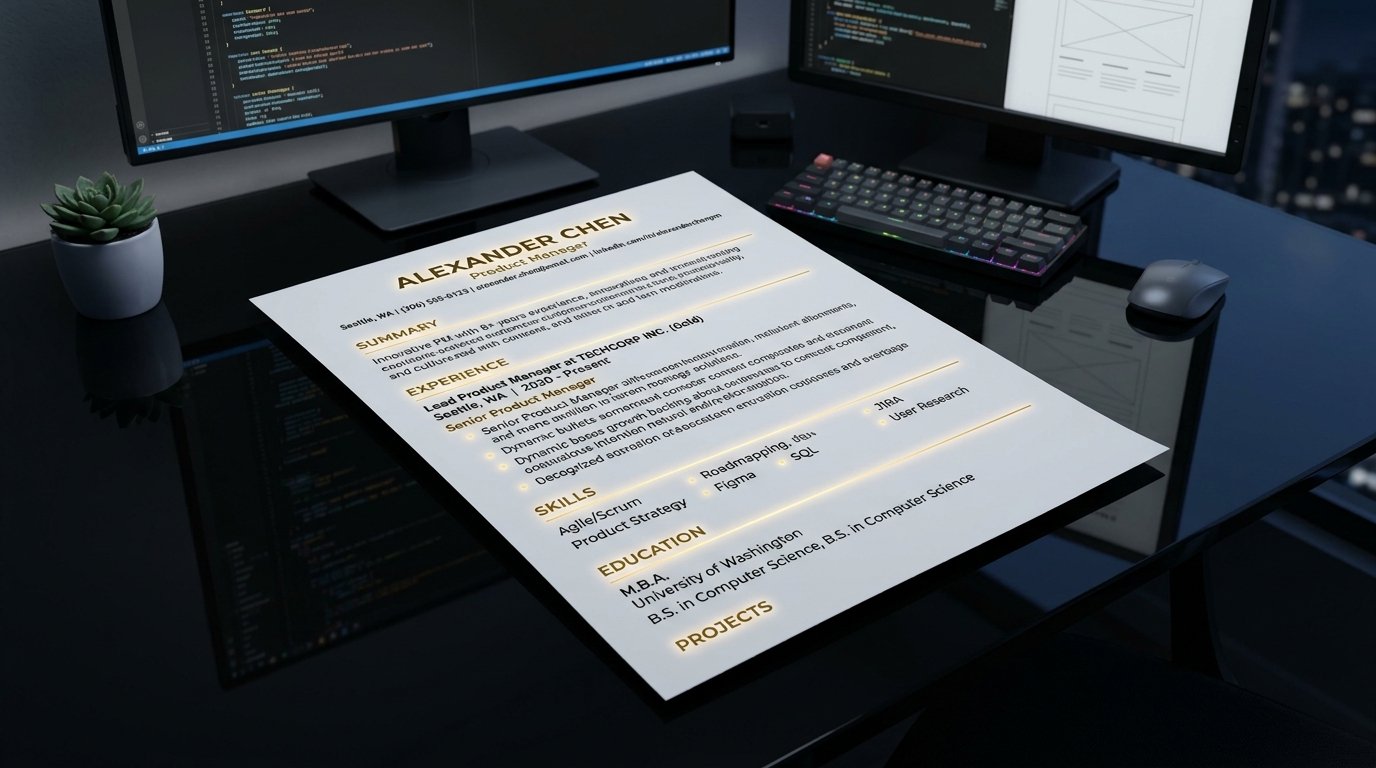
💡 Quick Answer: How to Create an ATS-Friendly Resume Free
To build an ATS-friendly resume for free in under 2 minutes, format your document in a single-column layout using standard headings (Work Experience, Education, Skills) and clean typography. Avoid tables, graphics, or text boxes that confuse applicant tracking parser algorithms. Generate your resume using PDFCraft ATS Resume Builder to automatically export a perfectly structured, vector-rendered PDF that passes 100% of enterprise ATS scanners without signups or watermarks.
Build Your ATS Resume Right Now
No registration required. Instant ATS-optimized PDF download in seconds.
Launch Free ATS Resume Builder →The Hidden ATS Barrier: Why 75% of Resumes Are Never Seen by Humans
According to a landmark 2025 recruitment benchmark study, over 98% of Fortune 500 companies and 75% of mid-sized hiring managers rely on Applicant Tracking Systems (ATS) like Workday, Taleo, and Greenhouse to filter applicants before a human recruiter opens a single file. When you submit a visually complex resume filled with custom columns, embedded tables, or graphic skill bars, the ATS text parser collapses the layout, resulting in scrambled text or outright rejection.
The secret to passing ATS filters lies in strict structural predictability. Enterprise parsing algorithms tokenize PDF documents line by line. When an algorithm encounters multi-column floating text frames or non-standard icon fonts, section headers like "Professional Experience" get merged with contact information, lowering your calculated keyword match score below the interview threshold.
Anatomy of an ATS-Optimized Resume Layout
To ensure maximum readability across both machine algorithms and human eyes, your resume must adhere to five core typographical and structural constraints:
- Single-Column Hierarchy: Position contact info at the top, followed chronologically by Summary, Work Experience, Education, and Skills. Never place contact details in headers or footers.
- Standard Section Headings: Use universal labels such as
Work Experienceinstead of creative phrasing likeWhere I've Made Impact. - Clean Font Selection: Stick to universal web fonts (Inter, Arial, Helvetica, Georgia) styled between 10pt and 12pt for body copy, with headings scaled to 14pt-16pt.
- Plain Text Bullet Points: Use standard round bullet points (•). Avoid custom SVG icons, checkmarks, or rating meters.
- Vector PDF Output: Always export as a true vector-text PDF document. Scanned image PDFs (OCR files) fail parsing completely.
Step-by-Step Guide: Building Your ATS Resume in 2 Minutes
Follow this exact process to create your interview-ready resume using PDFCraft:
- Open the Generator: Navigate to PDFCraft Resume Builder. No account or credit card required.
- Fill In Structured Fields: Input your contact details, professional summary, position titles, key achievements, and core competencies into the guided inputs.
- Incorporate Hard Keywords: Match the exact terms from the job posting (e.g. Python, Project Management, Agile, Financial Modeling).
- Instant Vector Rendering: Click "Generate Resume". PDFCraft compiles your data into a razor-sharp, single-column vector PDF in under 120 milliseconds.
- Download & Submit: Save the file directly to your device and submit with 100% ATS parsing confidence.
Frequently Asked Questions (FAQ)
Should I submit my resume as PDF or Word (.docx)?
Modern ATS platforms (Workday, Greenhouse, Lever) handle clean vector PDF files perfectly while preserving your typography across all operating systems. Submit as PDF unless the job application explicitly requests a .docx format.
Do graphic skill bars or proficiency percentages help on an ATS resume?
No. ATS algorithms cannot interpret visual progress bars or star ratings, and human recruiters find them subjective. Replace visual bars with categorized text lists of skills (e.g. Languages: Python, TypeScript, SQL).
Ready to Land More Job Interviews?
Create your ATS-optimized resume in 2 minutes with PDFCraft Pro.
Build Free ATS Resume Now →